



















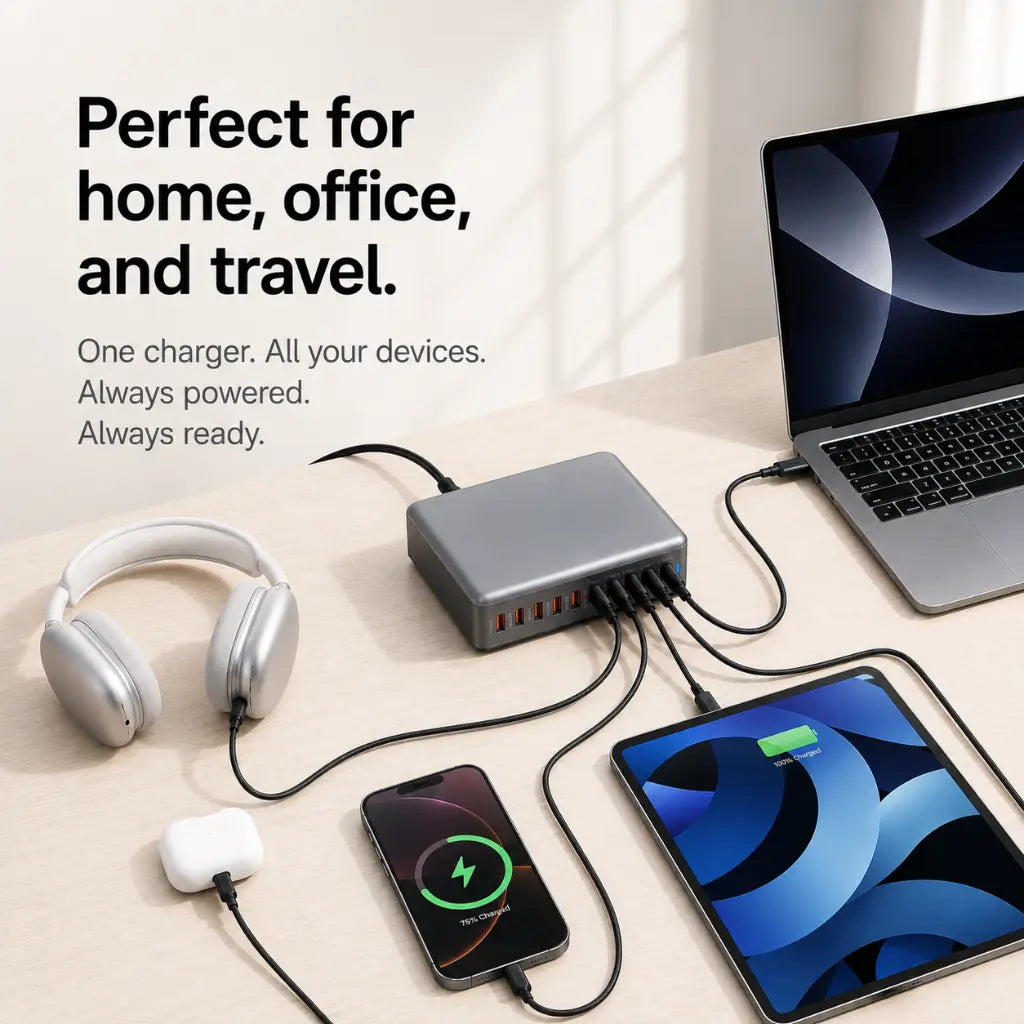

One charging hub
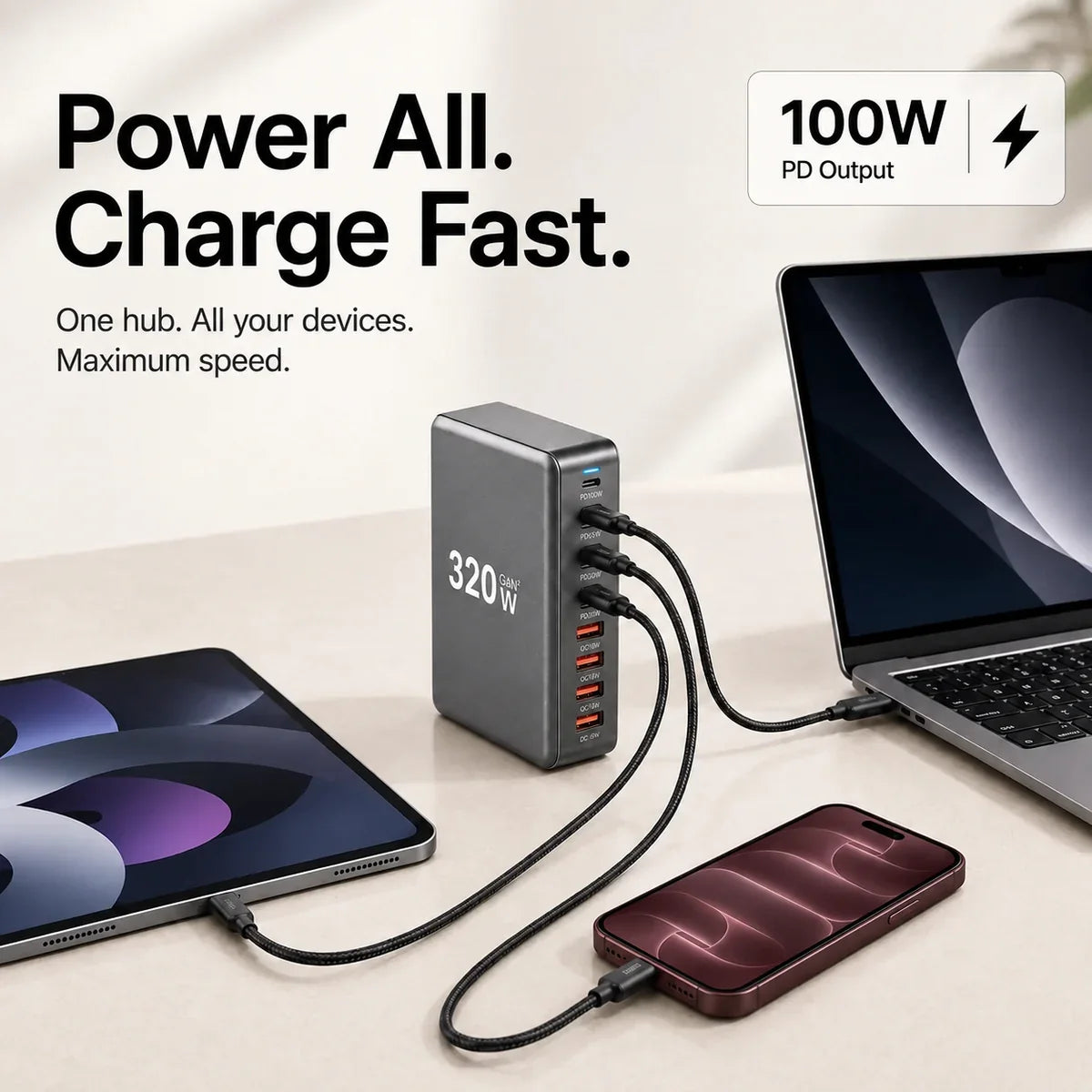
Keep your laptop, tablet and phone powered from one place.
 Cases & Bands
Your cart is empty
Less clutter. More freedom. Start with the essentials for your devices.
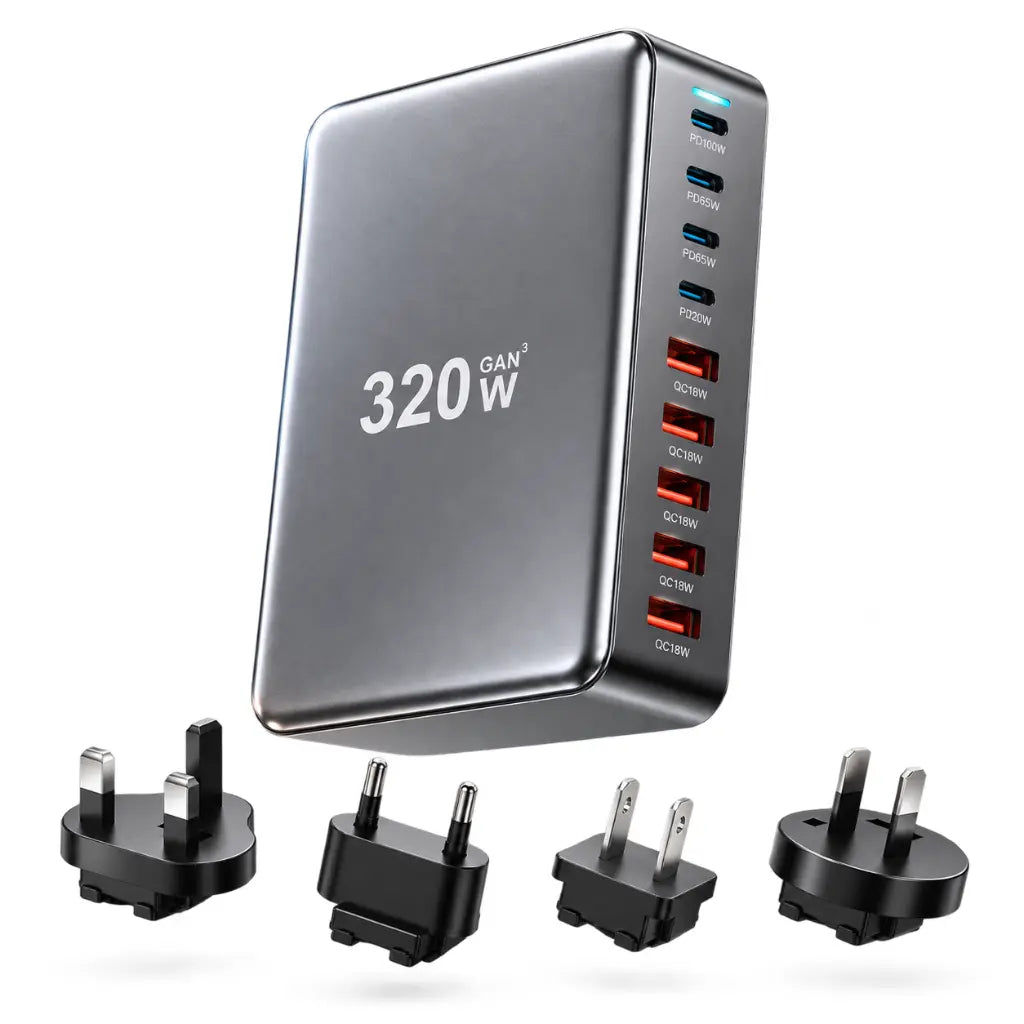
Keep your laptop, tablet and phone powered from one place.
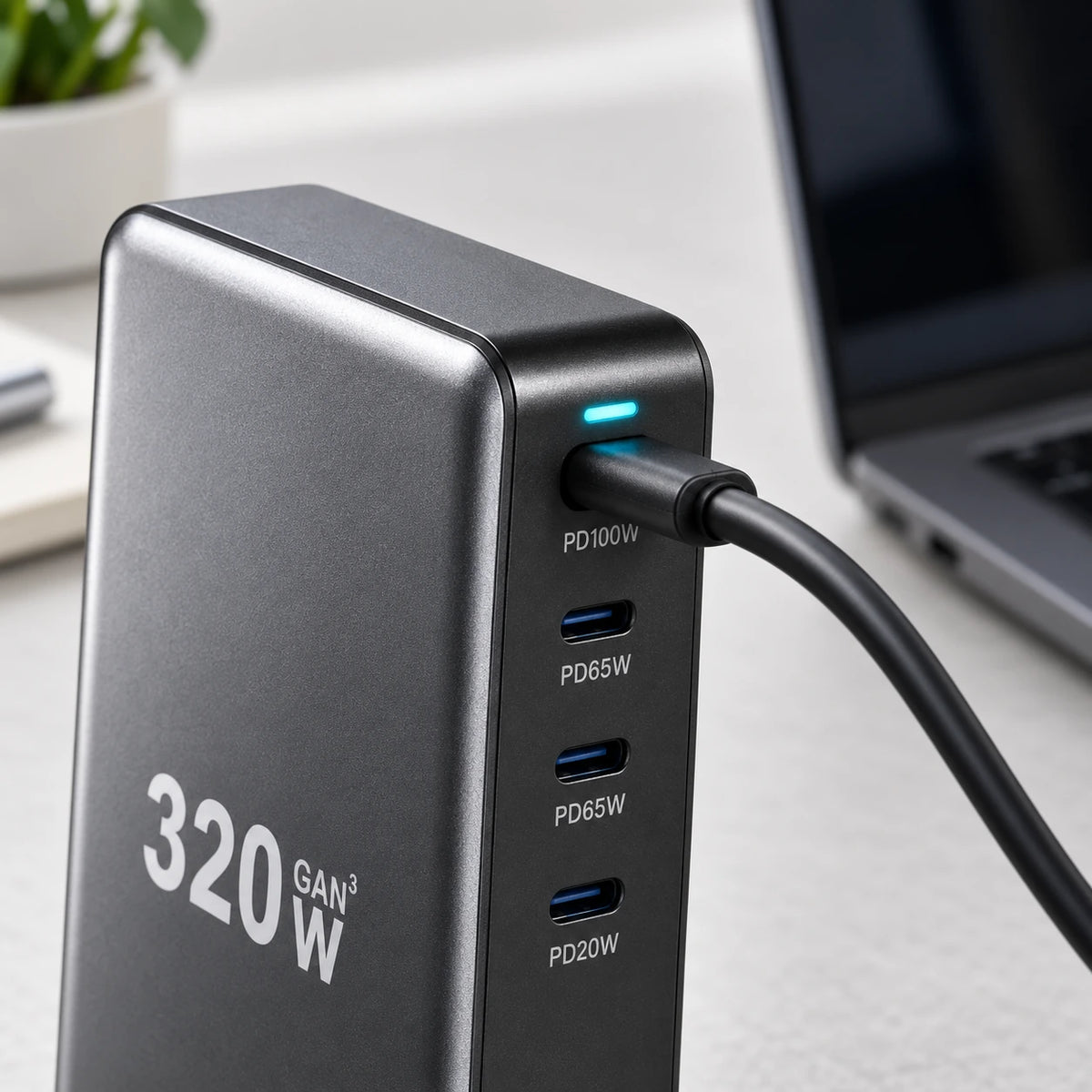
A dedicated high-output port supports compatible USB-C laptops.
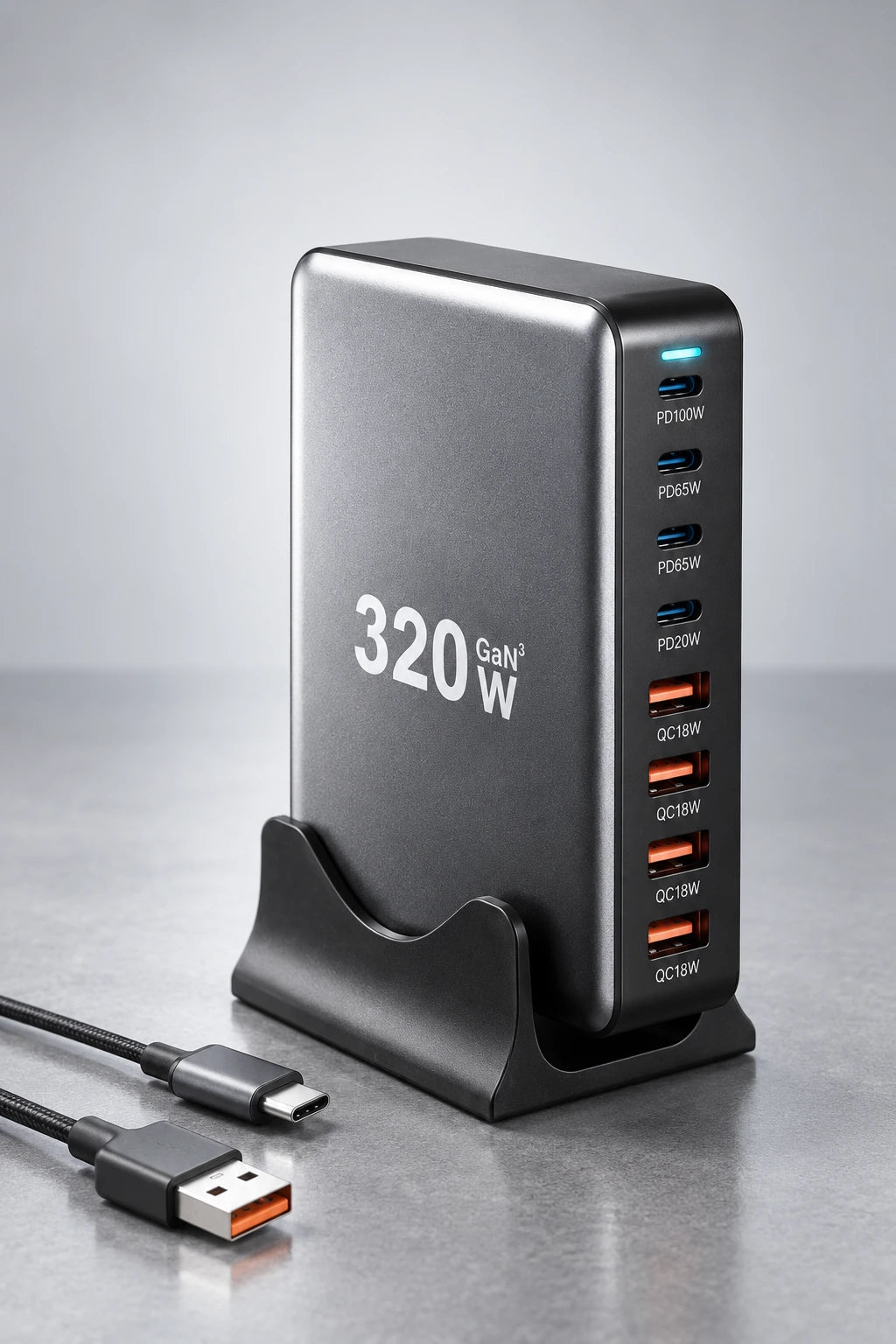
USB-C and USB-A ports keep different devices connected.
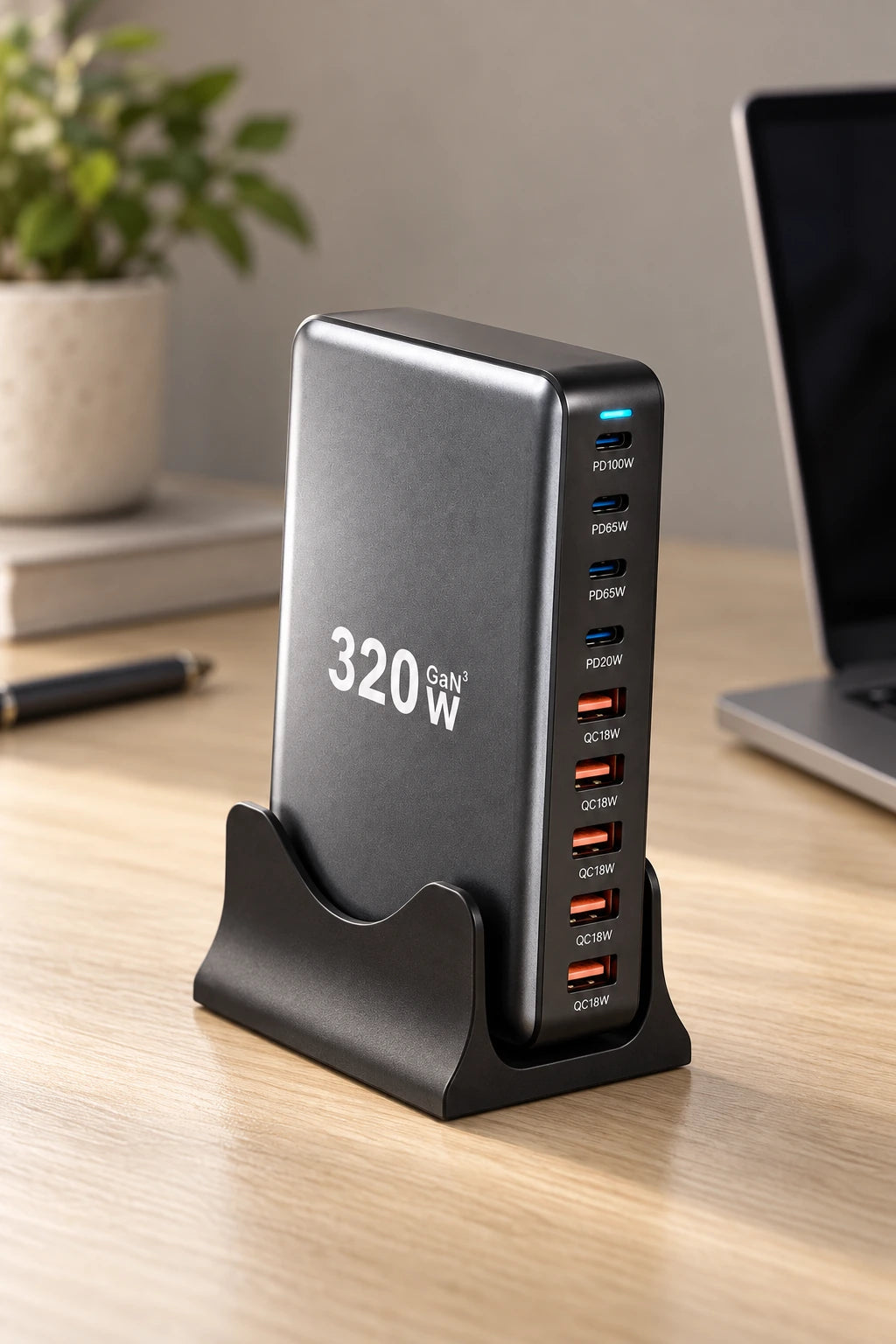
A small footprint keeps more space free on your desk.
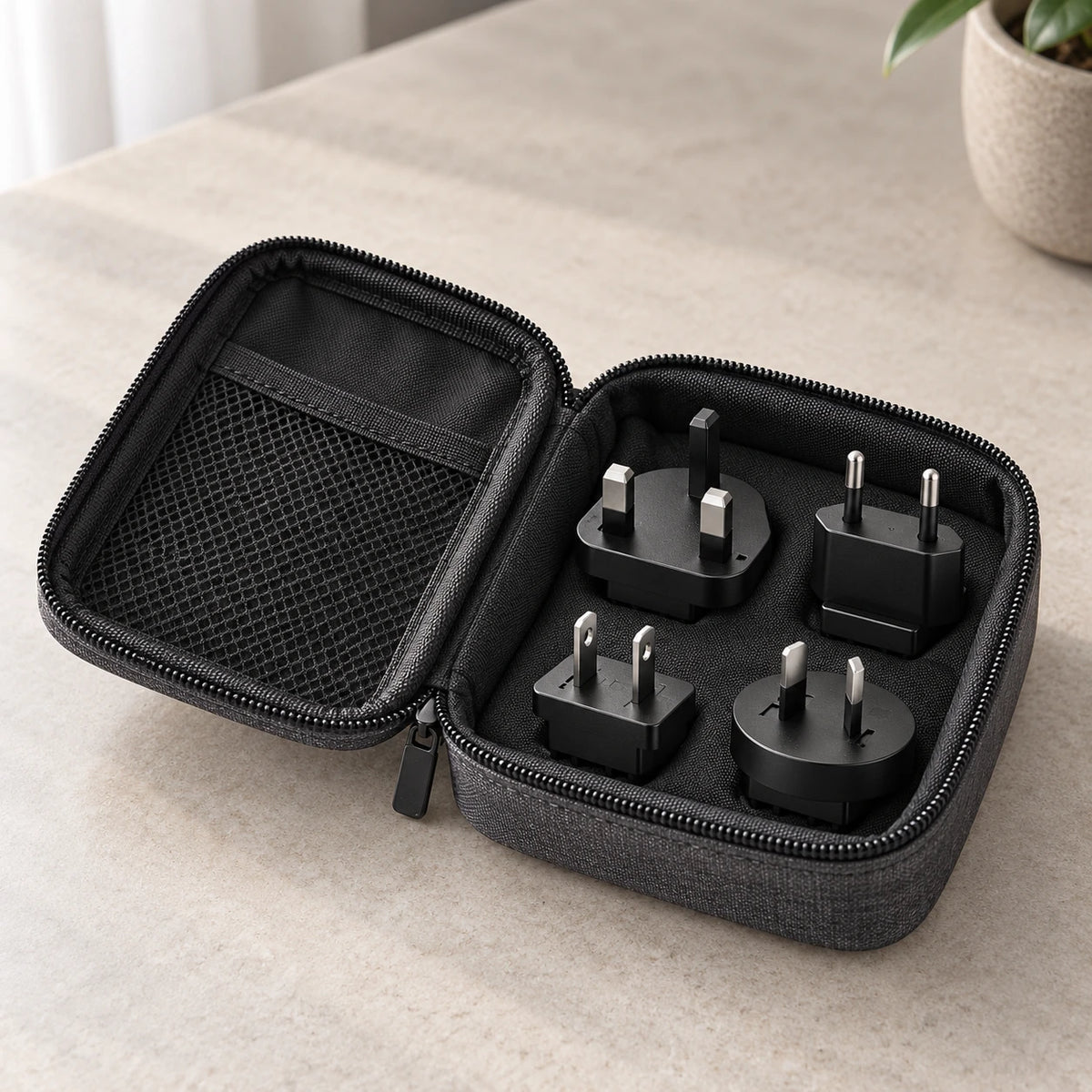
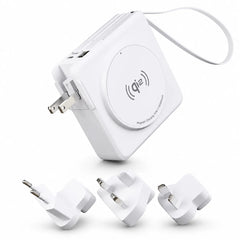
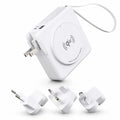
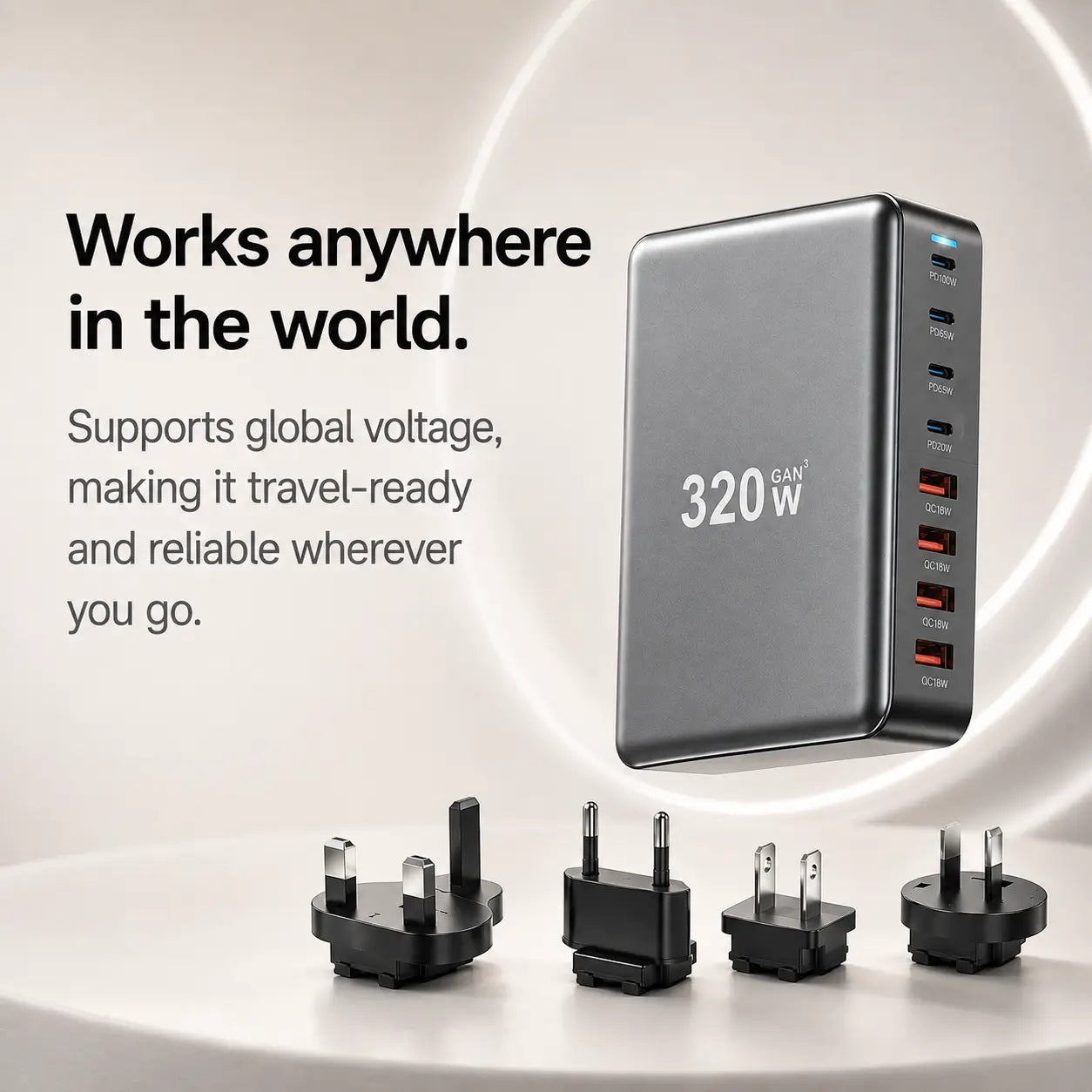
Keep the included plug adapters together when you travel.
| Output power | Up to 320W shared across all ports |
|---|---|
| Power input | AC 100–240V, 50/60Hz (worldwide voltage support) |
| Technology | GaN (Gallium Nitride) for cooler, faster, more efficient performance |
| USB-A Ports | USB-A1–A4: Up to 18W QC |
| USB-C Ports | USB-C1: Up to 100W PD |
| Safety features | Over-voltage, over-current, over-power, short-circuit, over-temperature, and over-charge protection |
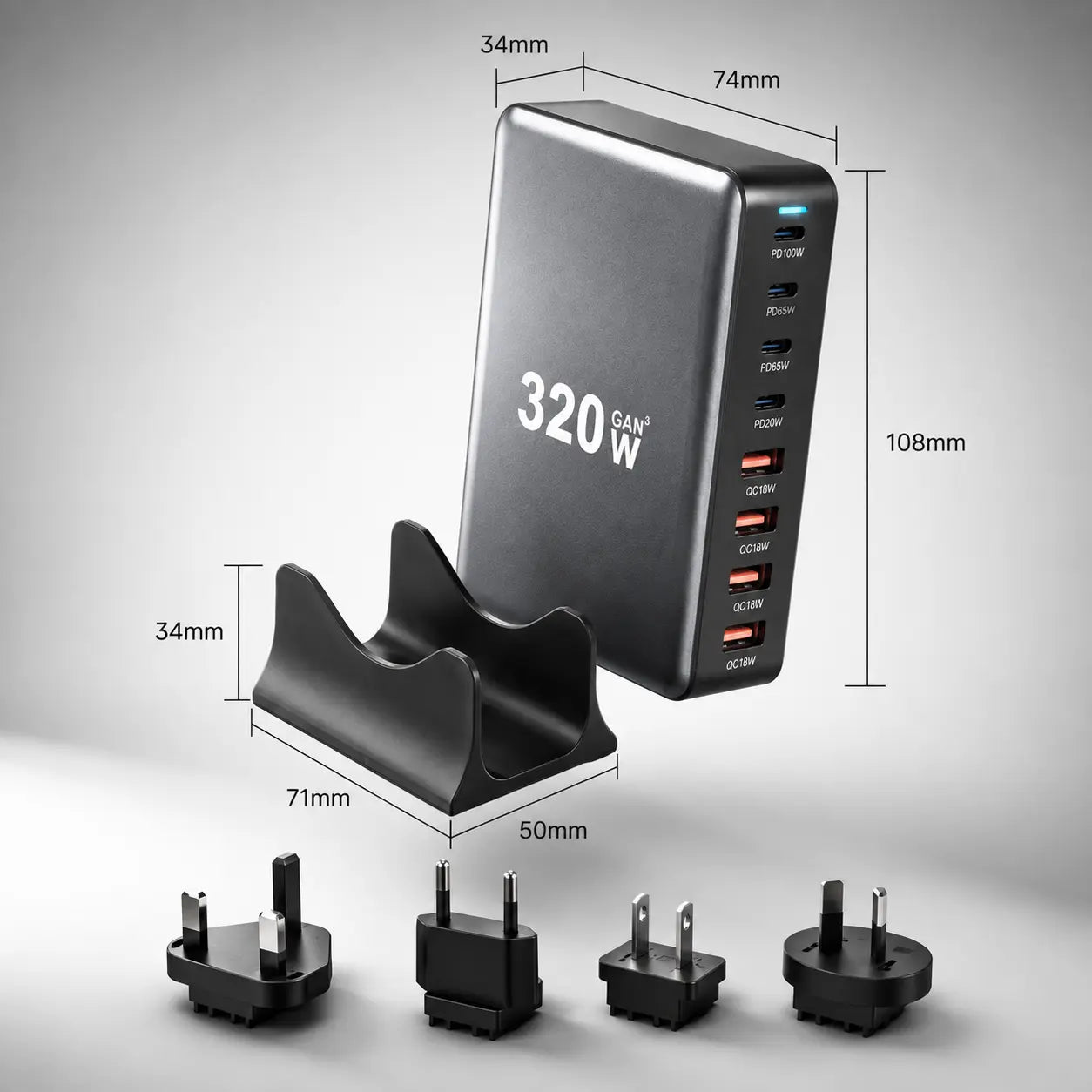
| Dimensions | Without Stand: 11.1 × 5.6 × 3.1 cm (4.37 × 2.20 × 1.22 in) |
| Weight | 311g (0.69 lb) |
| Power Distribution | Automatically adjusts based on how many devices are connected to give each device the fastest safe charge. |
Find the exact model in your device settings, then match it to a charging group above.
Identify your iPhone · Identify your Apple Watch · Identify your Samsung device
Supports iPhone, Samsung Galaxy, Google Pixel and other USB-C or USB-A phones.
Supports MacBook, iPad, Windows USB-C laptops and Chromebooks with Power Delivery.
Compatible with power banks, headphones, speakers, cameras, gaming accessories and other USB-powered devices.
Works with 110–240V AC for international travel.
Read the product requirements and the output rating of the port you plan to use.
Connect the charger as specified in its instructions and keep it dry, uncovered and ventilated.
Connect one device using a cable rated for its charging needs. Do not use damaged cables or connectors.
Confirm normal charging first. Available output can change when several ports share the charger's power.
Use the instructions supplied with your product for its exact assembly and controls.
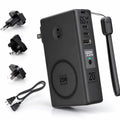
Main charging unit with four USB-C and four USB-A ports.
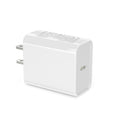
Connects your charger to any wall outlet for stable, reliable power.
Every PowerHub includes US, EU, UK, and AU plug adapters, so you’re ready to power up around the world.
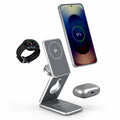
Keeps the charger upright, organized, and easy to access on your desk.
The 320W is shared across all ports, so the charger automatically balances power to give each device the fastest safe speed.
Yes — it works with any USB-C or USB-A device, including phones, laptops, tablets, and accessories.
Definitely. It supports 110–240V worldwide voltage, and you can choose a regional adapter or a full global set.
GaN keeps the charger cooler, smaller, and more efficient while providing higher performance than traditional chargers.
The charger automatically detects your device’s needs and provides its maximum supported fast-charging speed.
Make sure cables and ports are connected securely. If issues continue, refer to the guide or contact support for help.
Overall rating: 4.8 / 5 from 19 reviews.

Does the job really well. Neat little unit.

Need cables for Australia
Paid extra for a speedy delivery. Not sure what happened but with the world in choas it took a little extra time for delivery. If you could possibly allow more time on expected delivery time that would help other fellow purchasers. Item is excellent and actually smaller than I expected which is fantastic.
I saw a video describing how charge ports worked. I had noticed the charge cord to my iPad would get hot. The video recommended Evolved Chargers. I had never heard of Gan. I highly recommend Evolved Chargers. All of my electronics charge faster and my iPad cord never gets hot. I really like the design of my charger. It stays where I put it. My old charger kept falling off my nightstand.
Looks great. Logical layout. Easy to read power ratings for each output. Took a little bit to get here but not bad.
Purchased for cruise and trip to Down Under! Love the single connection to charge multiple devices and the international travel cords!
Good quality product I purchased it to assist while travelling.
Excellent charge station for desk.
I enjoyed being able to charge multiple devices.
Shipping took longer than expected, but that is our President’s fault. Otherwise, it works wonderfully.
Working extremely well
Device works as expected
Solid build.
Was great all around keep up the great work
Works as expected.
really nice and sturdy
Great item!
Easy ordering, ok delivery speed (I did not pay extra), product works as described. Sure makes it easy to charge my iphone, my iPad, my iWatch , and my iPods. Thanks!
It’s really good. Surprised how fast it charges